
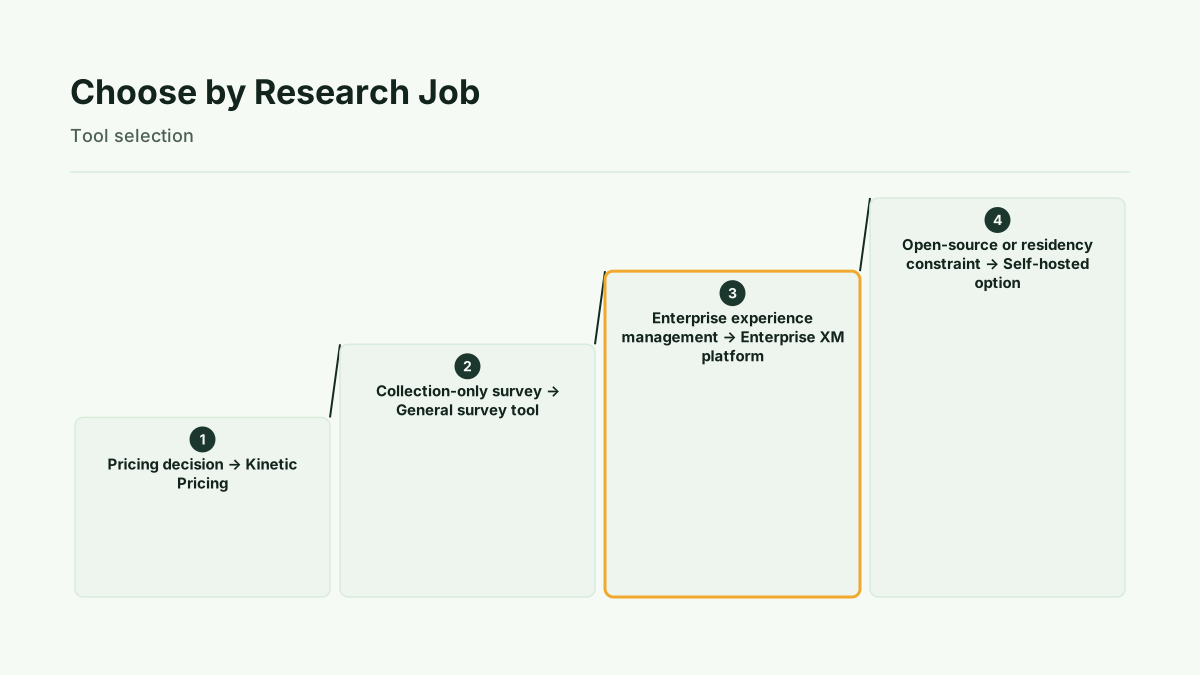
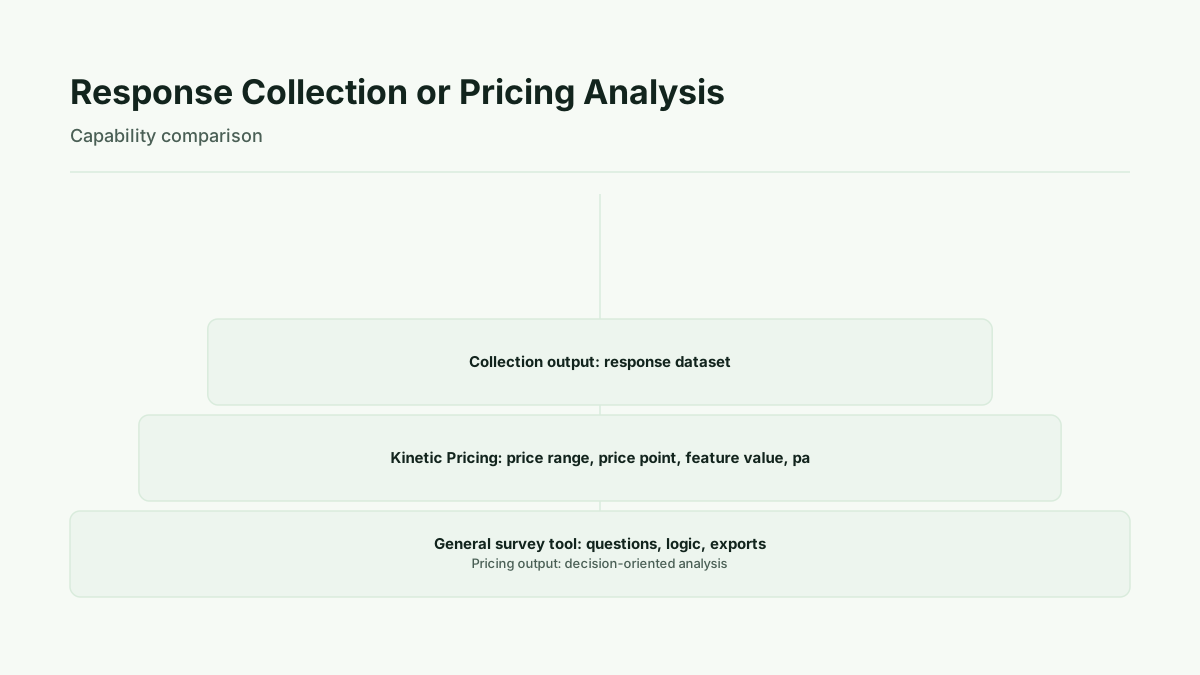
Use the tool that matches the decision. A general survey platform is the better fit when the job ends with collecting and organizing responses. Kinetic Pricing is the specialist choice when the research must produce a price range, price-point test, feature-value ranking, package design, or pricing-analysis output. The supplied source distinguishes these two roles: response collection on one side, pricing research on the other.
The practical question is not which platform has the longest feature checklist. It is what you need to know when the study is finished.
Match the Tool to the Research Job
Start by naming the research job in one sentence.
- Pricing research: Choose Kinetic Pricing when the decision concerns price range, tested price points, feature value, package design, or modeled revenue.
- Free internal poll: Choose a general survey tool when the requirement is a lightweight response-collection exercise and no pricing analysis is needed.
- Design-first survey: Choose a general survey tool when the work primarily involves building and distributing a questionnaire rather than interpreting a pricing model.
- Workflow form: Choose a general survey tool when the output is an organized set of submitted responses for a process.
- Enterprise experience management: Treat integrations, governance, support, and deployment as requirements to verify with the vendor rather than assumptions about any platform.
- Open-source or data-residency requirement: Make hosting, privacy, and residency non-negotiable selection criteria, then verify whether the candidate meets them.
This makes the central decision clear. If the required output is a response dataset, a general survey platform may be sufficient. If the required output is a pricing decision aid, use a specialist pricing research product. Kinetic Pricing provides four pricing research methods: Van Westendorp, Gabor-Granger, MaxDiff, and conjoint. The product source lists these four methods.
Collection Tools Versus Analysis Tools
A collection tool and an analysis tool answer different questions.
A general survey platform contributes to the collection stage. It gives a team a way to ask questions, gather responses, and organize the resulting data. That is valuable when the team already knows how it will analyze the answers or when the desired deliverable is the response set itself.
Pricing research requires a more specific output. A pricing study may need to estimate an acceptable price range, compare purchase likelihood across tested prices, rank feature value, or evaluate trade-offs among packages and prices. In those cases, response counts alone are not the final decision aid. The research design and analysis method need to match the pricing question.
Kinetic Pricing is positioned as a pricing research specialist that produces pricing-analysis outputs rather than only collecting responses. That distinction is stated in the supplied product source. A team considering a pricing study should therefore select the method from the decision it needs to make, not from the familiarity of a general survey interface.
The output also determines how the result should be discussed. A response dataset is collected evidence. Stated purchase intent is what respondents say they might do. A modeled revenue estimate is a calculation based on the study design and assumptions. Observed behavior is what customers do after launch. Those are related, but they are not interchangeable.
Method
The comparison uses a job-first process.
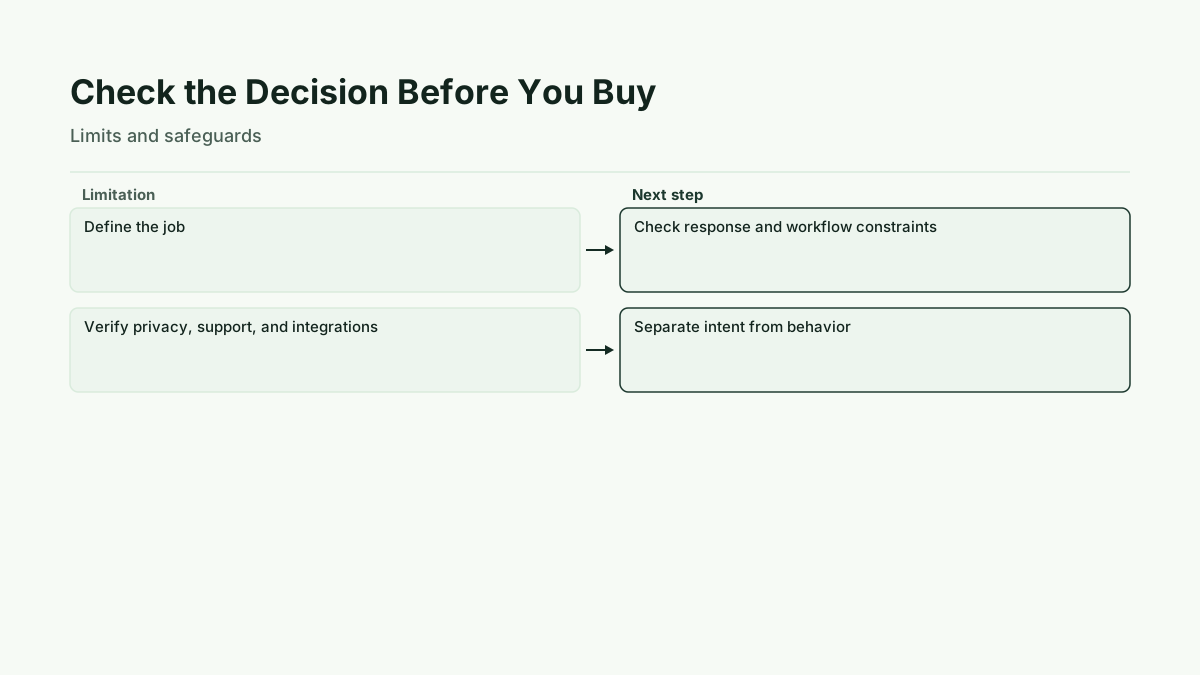
First, define whether the project ends with response collection or requires pricing analysis. Second, identify non-negotiables, including the needed method, respondent experience, question or workflow requirements, integrations, governance, support, privacy, and data residency. Third, compare general collection tools with a specialist pricing product at the level of the expected output. Fourth, separate stated purchase intent from modeled or simulated revenue and from observed behavior after launch. Finally, verify changing vendor details, including current plan limits, contract terms, integrations, support arrangements, sampling, and data-residency provisions, before publication or purchase.
This method avoids treating a generic comparison as a universal ranking. It also keeps the decision tied to the study's purpose. A collection-only project should not be made more complicated than necessary. A pricing project should not stop at a raw response export if the team needs an analysis that informs a price or package decision.
What Kinetic Pricing Adds to a Pricing Study
Kinetic Pricing's four methods map to four different pricing questions. The authoritative product facts use these labels: Van Westendorp is Price range finder, Gabor-Granger is Price point tester, MaxDiff is Feature value ranker, and conjoint is Package and price builder. The authoritative method labels are available from Kinetic Pricing.
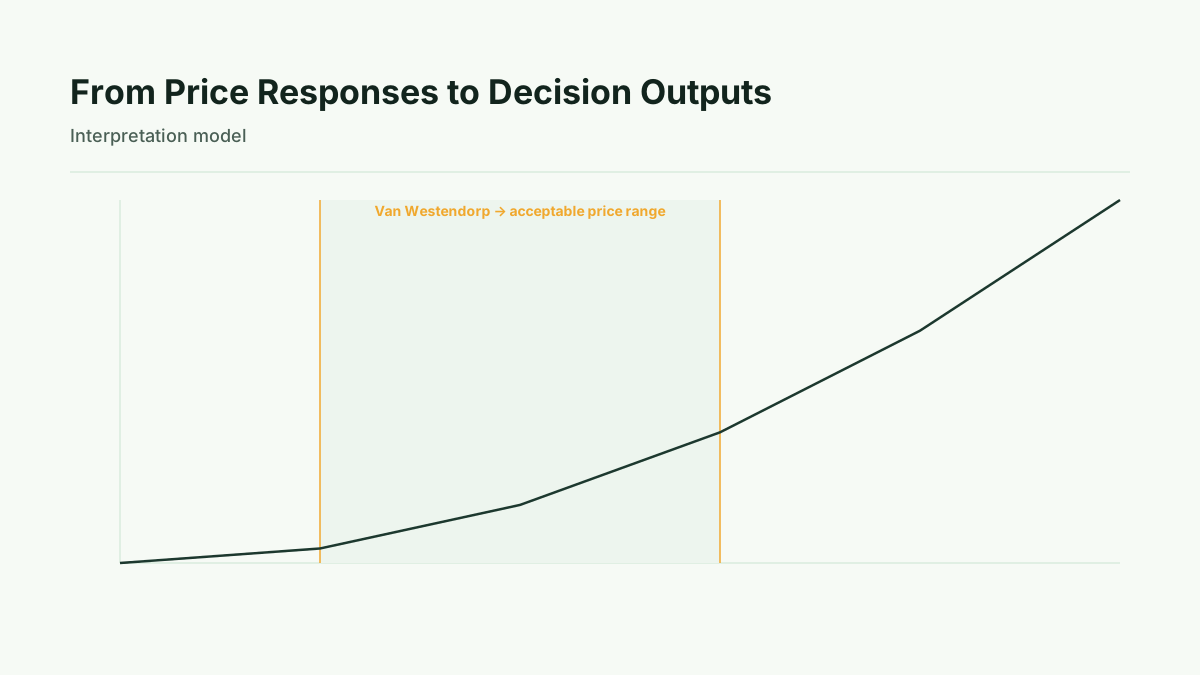
- Van Westendorp, or Price range finder: Use this when the decision is about an acceptable price range.
- Gabor-Granger, or Price point tester: Use this when the decision is about responses to tested price points and a modeled pricing outcome.
- MaxDiff, or Feature value ranker: Use this when the decision is about the relative value of features or attributes.
- Conjoint, or Package and price builder: Use this when the decision involves trade-offs among packages, attributes, and prices.
The supplied product facts list one-time study prices of $149 for Van Westendorp, $199 for Gabor-Granger, $279 for MaxDiff, and $499 for conjoint. These current product facts are listed by Kinetic Pricing. They also list Pro at $99 per month, $990 per year, with a 30-day trial. The Pro product facts are provided by Kinetic Pricing.
These prices describe product options, not a claim that one method is appropriate for every project. The correct choice still depends on the decision, the information required, and the limits of the evidence.
Interpretation: Read the Output as a Decision Aid
Interpret each method according to the question it is designed to address.
A Van Westendorp result is a price-range signal. It can help structure a discussion about where prices may be perceived as acceptable within the study. A Gabor-Granger result concerns tested price points and purchase likelihood in the research context. If used to calculate revenue, the result is modeled or simulated revenue, not realized revenue.
MaxDiff produces a feature-value ranking. That ranking can inform prioritization, but it is not the same as an observed purchase decision. Conjoint produces package-and-price trade-offs. Those trade-offs can support package design, while still depending on the assumptions and choices built into the study.
Keep the evidence levels separate. Stated purchase intent is a respondent statement. Modeled or simulated revenue is an estimate produced from a model or scenario. Observed behavior is evidence from what customers do after a product or price is available. Survey research does not turn stated intent into observed behavior automatically. A pricing analysis is therefore best used as a decision aid alongside later commercial evidence, not as a guarantee of realized revenue.
Limits of the Comparison
This comparison does not establish that one platform is universally best. General-tool capabilities, enterprise contracts, response caps, data residency, integrations, support, sampling, and current prices require vendor verification before publication or purchase. Requirements may vary by plan, organization, deployment, and jurisdiction.
Survey responses are not observed purchases. A modeled revenue result is not realized revenue. Even a carefully designed pricing study remains tied to its questions, sample, assumptions, and interpretation. Those limits apply to the evidence, not only to the software used to collect or analyze it.
Next step
Write down the one decision the study must support. If the answer is collection only, compare general survey tools against the workflow, privacy, support, and governance requirements. If the answer is pricing analysis, select the required output first, then Review pricing options.
Additional context on these methods is available from The Best Waitwhile Alternatives for Business Owners, Enterprise buyers evaluating replacements for SurveyMonkey Enterprise weigh integration, deployment, support, and product capabilities, Designing the right pricing survey questions, Kineticpricing pricing page, Pro subscription page and how self-serve pricing research compares to hiring a consultant.
Run this method with your users
Start 30-day free trial to run every method with your users, or Buy one study when one decision needs evidence now.
Sources
- Kinetic Pricing, authoritative product facts for method labels, product scope, and current plan facts.
- Kinetic Pricing, primary source material supplied for the SurveyMonkey alternatives comparison and its stated methodology.
- Gartner, Enterprise SurveyMonkey alternatives review context for integration, deployment, support, and product capability verification.
- G2, product pages for third-party comparison context.
- Trustpilot, SurveyMonkey review page for third-party review context.